What's New

Latest updates to the ClanPlan app.

v1.46

A new Map and a page for every special date

Find and save places faster, see who’s at home at a glance, and give every birthday a page of its own.
Map

Find a place, keep it handy

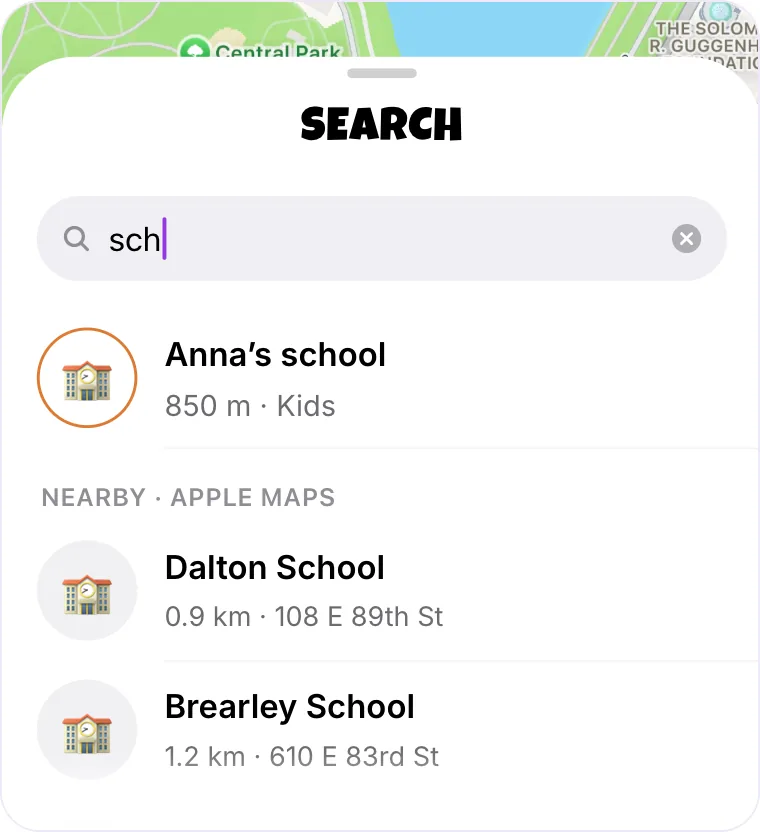
Search for any place with Apple Maps, nearest first, and save it in a couple of taps. Add a note like the door code, move the pin if it’s a little off, and edit a place from any screen.
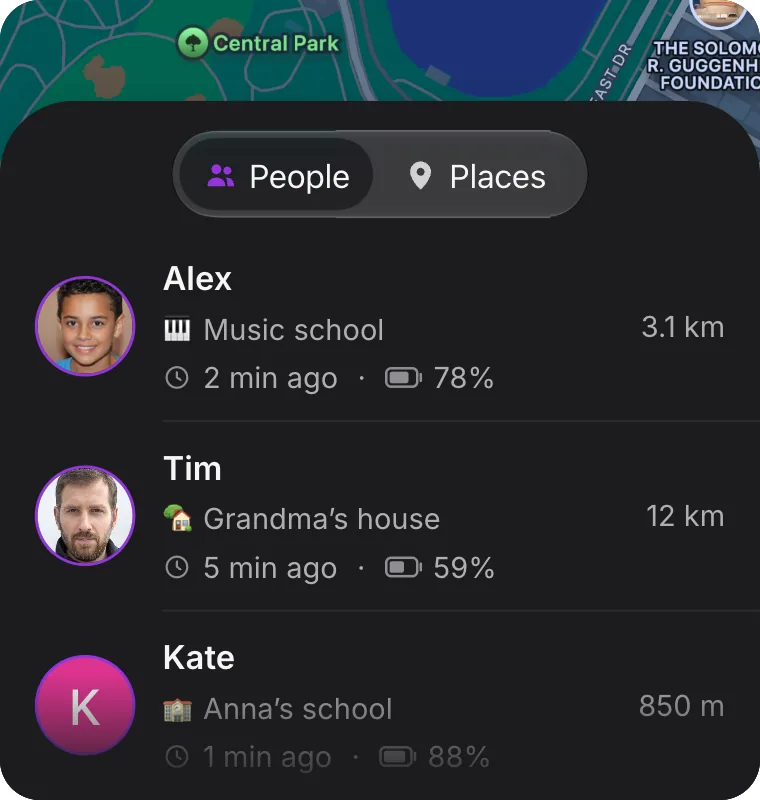
Who’s where

See who’s at home at a glance

When someone is at one of your saved places, you see it right away: on their face on the map, in People in place of the address, and in Places as who’s there.
Special dates

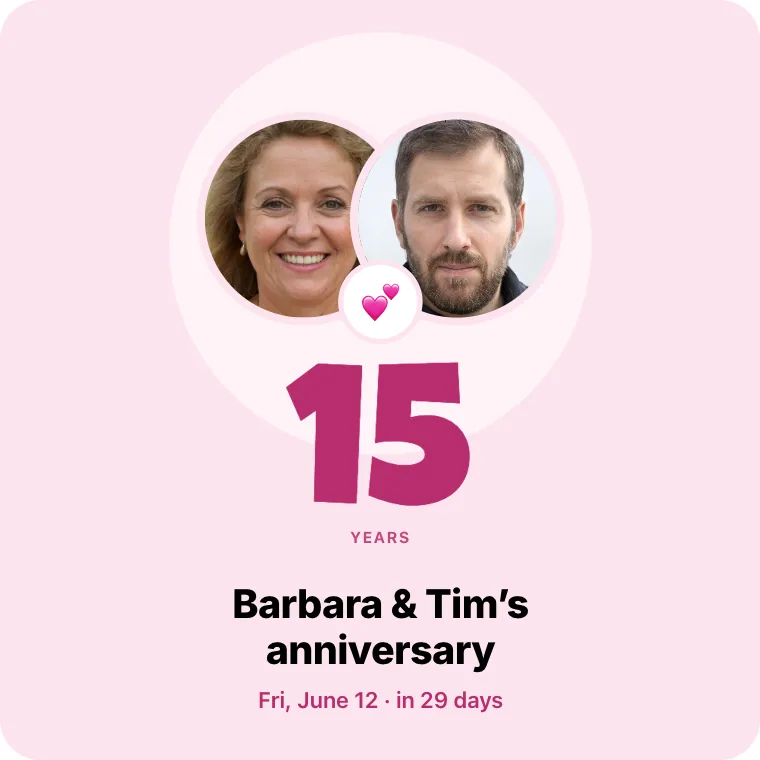
Every date gets its own page

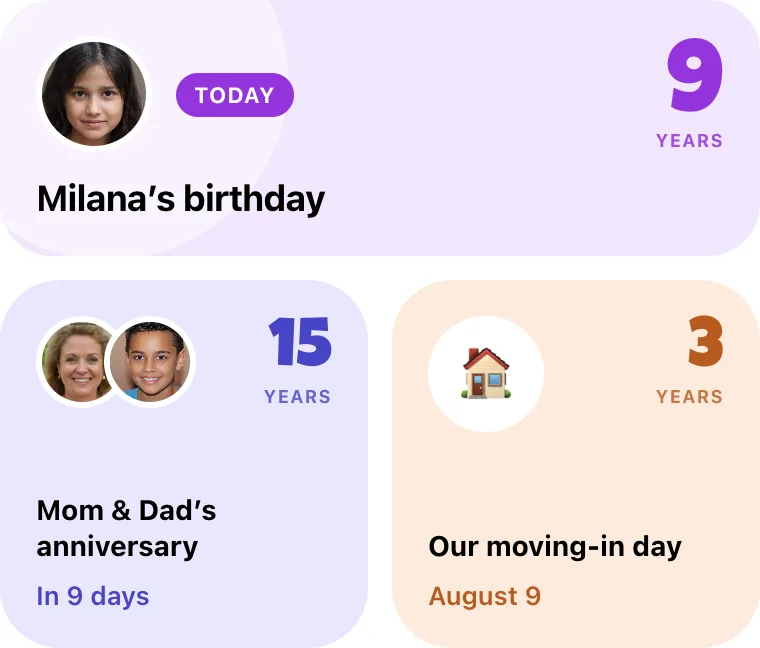
Tap a birthday or an anniversary and it grows into a full-screen page, with the years in big numbers. There’s a soft new pink for your dates too.
Widgets

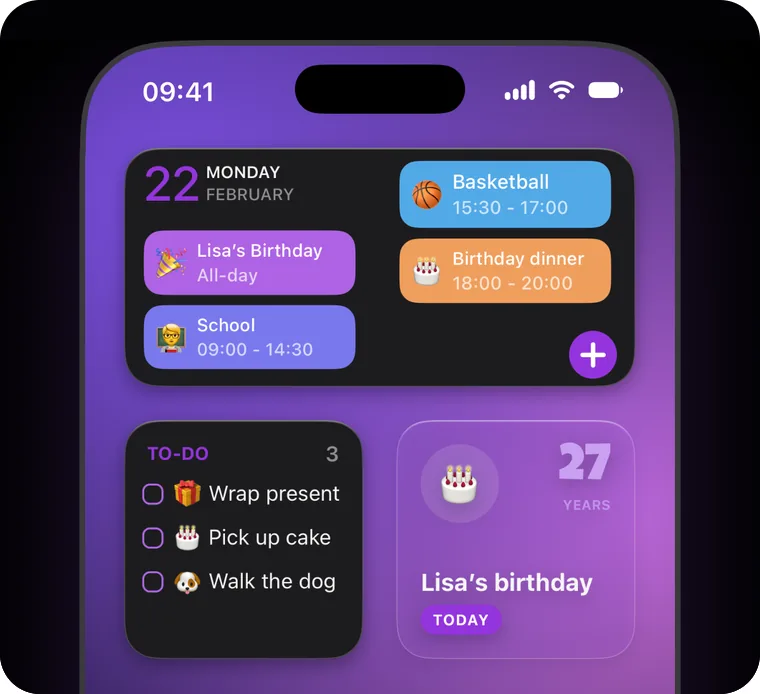
Try on a widget before you add it

See every ClanPlan widget the way it will look on your Home Screen, then follow a short step-by-step guide to add the one you like.

Also in this update

  • Chat shows the date above each day’s messages
  • See each member’s status and put your clan in your own order
  • The calendar tab shows today’s date
  • “+” on Home and the Map opens a quick menu
  • New thin icons, a lighter look and stability fixes
v1.45

Special dates and a calendar for the whole clan

Birthdays and anniversaries in one place, comments on events, and a new Timeline for your clan’s day.

Special dates

Never miss a family date

Birthdays, anniversaries and the days that matter only to you, like the day you moved in. They show up on the calendar, on Home and in a widget, and the whole clan gets a reminder on the day.

Timeline

Your clan’s day, side by side

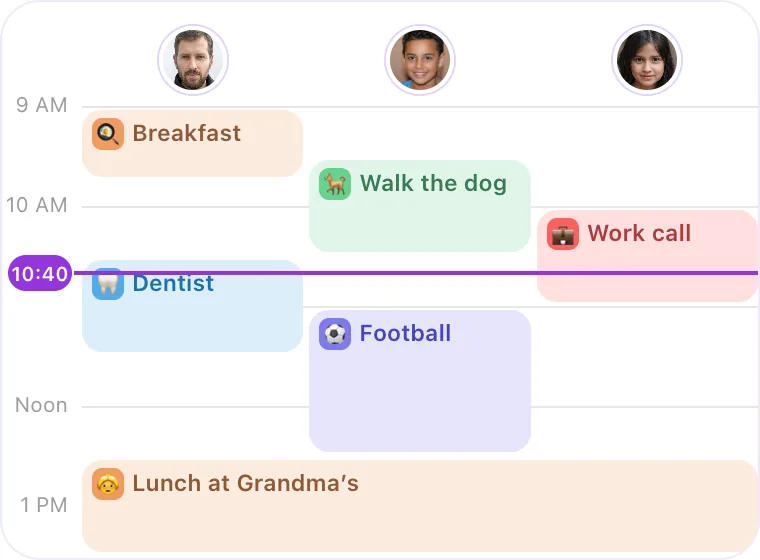
Timeline puts everyone’s day in columns, hour by hour, so it’s easy to see when you’re all free. Pick it, Month or List in the new calendar views gallery.

Event comments

Talk it over right in the event

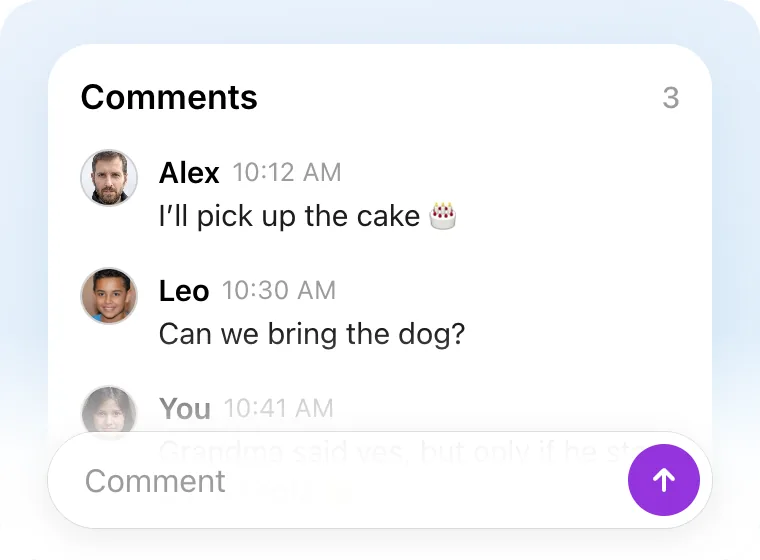
Who brings the cake, when to leave: comment under any event. Everyone gets a push when someone writes, and you can mute a thread you don’t need.

Notifications

See who it’s from

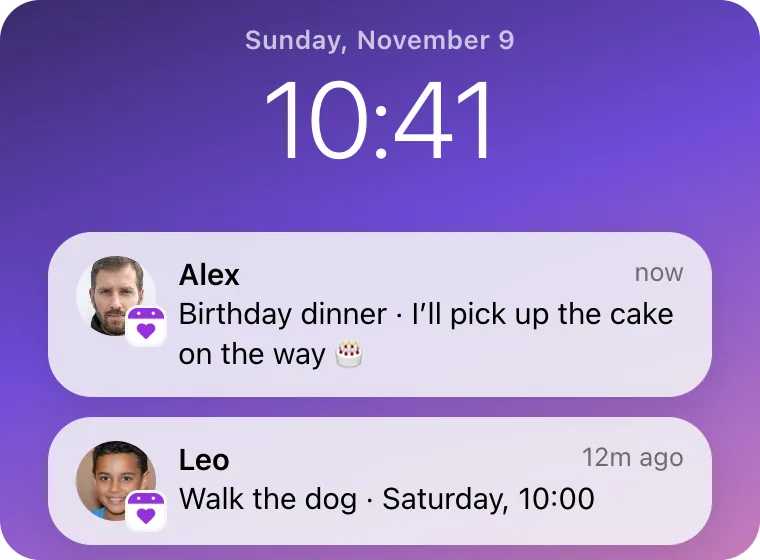
Pushes from your clan now show the face of the person behind them and read like a message.

Also in this update

  • Month view shows “+N” when a day is full, with the owners’ faces
  • Add a category straight from the calendar
  • Put your calendar categories in your own order
  • A new event from the Clan filter starts with you
  • Dark mode and stability fixes
v1.44

Invite links and clearer translations

  • Share an invite as a web link, not only the code
  • Clearer wording in every language
  • Small layout fixes